What Is SBR Auto Downloader? A Complete Guide for PC Users
If you watch videos on TikTok, YouTube, Instagram, Facebook, or Pinterest, you have probably found a video you wanted to keep. It might be a recipe, a tutorial, a funny clip, or a travel video you wanted to watch again later. The problem is that most of these platforms are built for scrolling and streaming, not for saving videos to your computer.
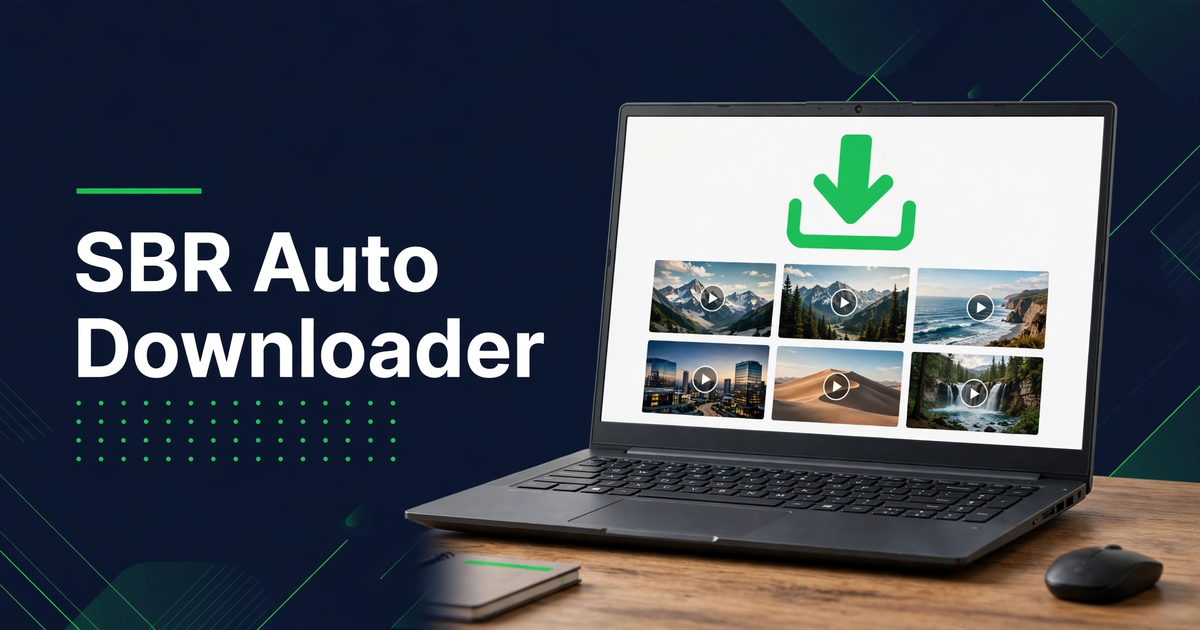
SBR Auto Downloader is a Windows PC video downloader made to solve that problem. You copy the link of a video, paste it into the app, choose the quality, and download it to your PC. This guide explains what SBR Auto Downloader is, what it does, which platforms it supports, who it is for, and how it compares to online downloaders.
What Is SBR Auto Downloader?
SBR Auto Downloader is a video downloader for Windows PC. It is designed for people who watch videos on social media and video platforms and want to save some of them for offline viewing. Instead of searching for a video again every time you want to watch it, you can download it once and keep it in a folder on your computer.
The app works with five popular platforms: TikTok, YouTube, Instagram, Facebook, and Pinterest. You do not need a separate tool for each platform, and you do not need to learn a different process for each one.
A Simple Tool for One Job
SBR Auto Downloader is focused on one job: downloading videos to a Windows PC. It does not try to be a video player, a video editor, or a social media app. That focus keeps it simple. You open the app, paste a video link, choose the quality, and download the video.
How to Download Videos on PC with SBR Auto Downloader
Downloading a video with SBR Auto Downloader is simple, and you do not need any technical knowledge. The app handles the download for you, and you only need the link of the video you want to save.
- Open the video in your browser on TikTok, YouTube, Instagram, Facebook, or Pinterest.
- Copy the link of the video from the address bar or from the share option.
- Open SBR Auto Downloader on your Windows PC and paste the link into the download box.
- Choose the video quality and format you want, such as HD where it is available.
- Click Download and wait for the app to save the video to your chosen folder.
- Open the folder and play the video to check that it downloaded correctly.
You can repeat these steps for as many videos as you like. If a link does not work the first time, copy it again carefully and make sure you copied the full link of the video itself, not just the link of a profile, a channel, or a search page.
What You Can Download with SBR Auto Downloader
SBR Auto Downloader supports videos from five platforms, and each one has different kinds of videos that people like to save. TikTok has short, entertaining clips. YouTube has longer tutorials, reviews, and guides. Instagram has Reels and short videos. Facebook has videos shared by friends, pages, and groups. Pinterest has short idea videos, recipes, and DIY tutorials.
- TikTok videos, including short clips, tutorials, and funny videos.
- YouTube videos in MP4, for offline viewing and learning.
- Instagram Reels and videos you want to watch again later.
- Facebook videos and Reels shared by pages and friends.
- Pinterest videos, including recipes, crafts, and home ideas.
- Videos in different qualities, including HD where it is available.
The app is an all-in-one video downloader, so you can collect videos from more than one platform without switching tools. Keep your downloads organised in folders by platform or by topic, and give each video a clear name.
SBR Auto Downloader vs Online Downloaders
Many people first try an online downloader in their browser. You paste a link into a website, wait for it to process the video, and then download the file. That can work, but it has several problems. Online downloaders often show many adverts, open pop-up windows, and ask you to click through several pages before the download starts.
Why Many People Prefer a PC App
A PC app like SBR Auto Downloader keeps the process in one place. You open the app on your own computer, paste the link, and download the video. A PC also gives you a large screen, a keyboard, and folders, which makes it easier to organise a collection of videos.
Frequently Asked Questions
What is SBR Auto Downloader?
SBR Auto Downloader is a Windows PC video downloader for TikTok, YouTube, Instagram, Facebook, and Pinterest. You copy a video link, paste it into the app, choose the quality, and download the video to your PC.
Is SBR Auto Downloader only for Windows PC?
Yes. SBR Auto Downloader is made for Windows PC. It is designed for downloading and organising videos on a computer, with a large screen and folders for saving your videos.
Which platforms does SBR Auto Downloader support?
The app supports TikTok, YouTube, Instagram, Facebook, and Pinterest. The same steps work for all five platforms: copy the link, paste it into the app, choose the quality, and download.
Do I need an account to use SBR Auto Downloader?
You need to be able to open the video and copy its link, which you normally do in your browser. The download itself is done by SBR Auto Downloader on your Windows PC.
Can I download videos in HD quality?
Yes, where the original video is available in HD, you can choose HD quality in SBR Auto Downloader. The available quality depends on the original video uploaded to the platform.
Important Note
Please download only videos you own or have permission to save, and respect the rights of the creators who made them. Do not re-upload someone else's video as your own, and do not use downloaded videos for commercial purposes without the creator's permission. SBR Auto Downloader is made for personal, offline viewing and for keeping videos you have permission to save.