
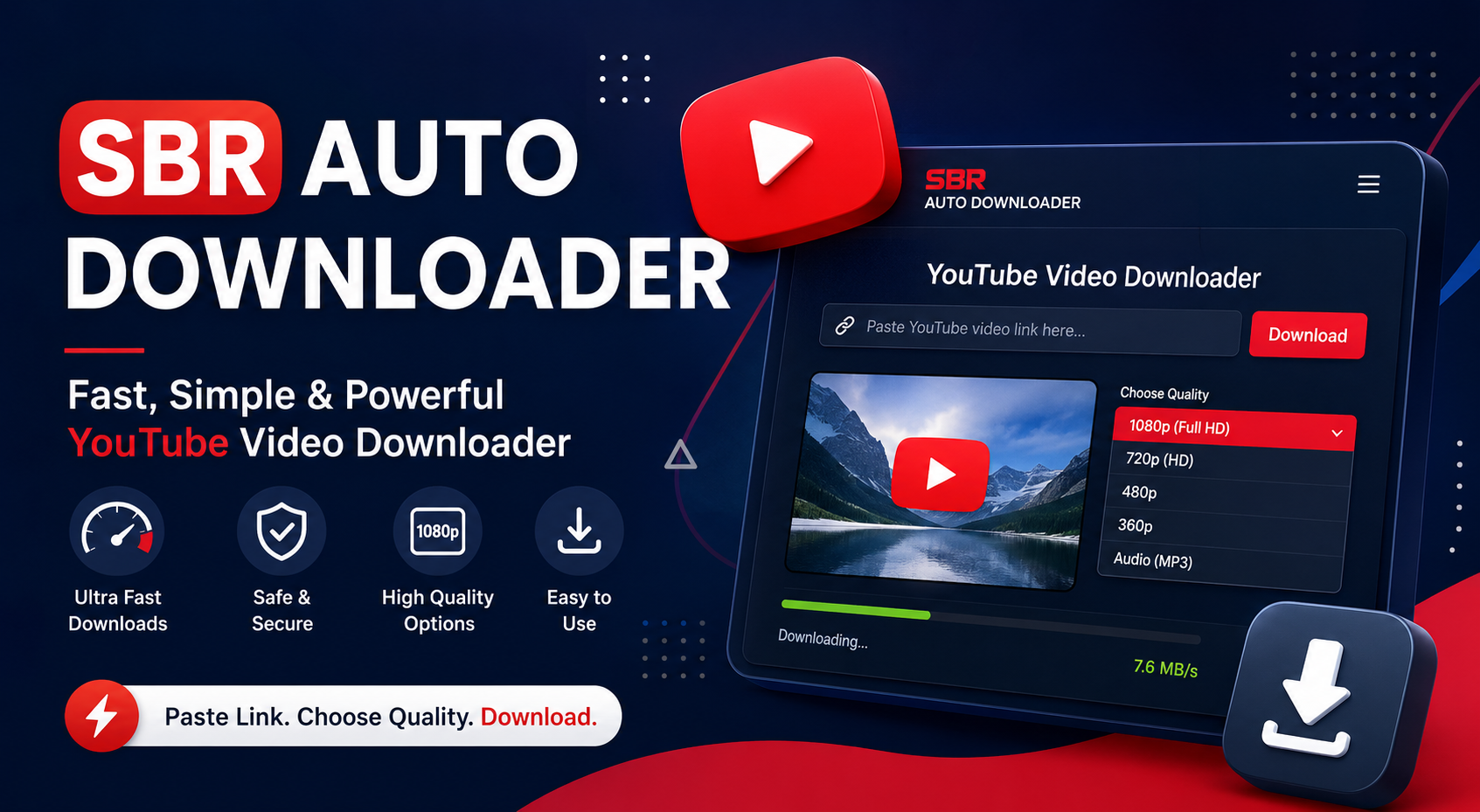
SBR Auto Downloader – Fast & Easy YouTube Video Downloader
Want an easy way to download YouTube videos that you own or have permission to save? SBR Auto Downloader provides a simple and convenient way to process supported YouTube video links without complicated steps.
Whether you're a content creator backing up your own videos, a student saving authorized educational material, or someone who needs to keep permitted video files available offline, SBR Auto Downloader is designed to make the process straightforward.
What Is SBR Auto Downloader?
SBR Auto Downloader is an easy-to-use video downloading tool designed to help users process supported YouTube video links quickly.
Instead of dealing with complicated software or technical settings, you can simply enter a supported video URL and use the downloader interface to start the process.
Our goal is simple: provide a clean, fast, and user-friendly downloading experience.
Download YouTube Videos Easily
Downloading an authorized YouTube video shouldn't require complicated instructions.
With SBR Auto Downloader, the basic process is simple:
Copy the URL of the YouTube video you are authorized to download.
Open SBR Auto Downloader.
Paste the video link into the downloader.
Select the available download option or quality.
Start your download.
The straightforward workflow makes SBR Auto Downloader useful for users who want a quick YouTube video downloading experience.
YouTube Video Downloader for Your Everyday Needs
There are many legitimate reasons to download videos. Creators may want to keep backup copies of their own uploads, businesses may need authorized media for internal use, and educators may need permitted resources for offline access.
SBR Auto Downloader helps simplify these workflows by putting the downloading process into one convenient interface.
Why Use SBR Auto Downloader?
Simple Interface
No complicated workflow. Paste your link and follow the available download options.
Fast Processing
Designed to make supported video downloads quick and convenient.
Easy to Use
You don't need advanced technical knowledge to use the downloader.
Convenient Video Downloads
Process supported YouTube links from one simple interface.
Creator-Friendly
Useful for creators who need to manage or back up videos they own or are authorized to download.
How to Download a YouTube Video
Using SBR Auto Downloader is designed to be straightforward.
Step 1: Copy Your YouTube Link
Open YouTube and copy the URL of the video you want to save, provided you have the right to download it.
Step 2: Paste the Link
Open SBR Auto Downloader and paste the URL into the downloader field.
Step 3: Select Your Download Option
Choose from the available format or quality options provided by the downloader.
Step 4: Start Downloading
Click the download button and allow SBR Auto Downloader to process your request.
That's it. The goal is to make the entire process simple and accessible.
YouTube MP4 Downloader
If your workflow requires video files, SBR Auto Downloader can be useful for supported downloads where an MP4 option is available.
MP4 is widely supported across computers, phones, tablets, media players, and editing applications, making it a practical format for many video-related workflows.
Why Choose SBR Auto Downloader?
There are plenty of complicated downloading tools available, but users often want something much simpler.
SBR Auto Downloader focuses on the essentials:
Easy YouTube video downloading
Simple URL-based workflow
Clean and straightforward interface
Convenient download options
Fast and practical processing
Designed for creators and everyday users
Instead of making users navigate through unnecessary steps, SBR Auto Downloader focuses on providing a simple experience from link to download.
Download Videos You Are Allowed to Save
It's important to respect copyright, ownership, and platform rules when downloading online videos.
YouTube's current Terms of Service restrict downloading or otherwise using content unless it is specifically permitted by YouTube, authorized by the rights holder, or allowed by applicable law. YouTube also provides official download functionality for certain content and allows creators to download videos they have uploaded.
For that reason, use SBR Auto Downloader only for videos you own, have permission to download, or are otherwise legally permitted to save.
SBR Auto Downloader for Content Creators
Content creators regularly work with large amounts of video content. Keeping authorized backup copies can be useful for archiving, editing, repurposing, and managing a personal video library.
SBR Auto Downloader provides a convenient workflow for creators who need to process their own or authorized videos.
Frequently Asked Questions
What is SBR Auto Downloader?
SBR Auto Downloader is a simple video downloading tool designed to process supported YouTube video links and provide available download options.
Is SBR Auto Downloader easy to use?
Yes. The basic workflow is designed around copying a supported video URL, pasting it into the downloader, selecting an available option, and starting the download.
Can I download any YouTube video?
You should only download videos when you have permission, own the content, or the download is otherwise permitted by YouTube and applicable law. YouTube's terms place restrictions on downloading content outside functionality authorized by the service.
Can I download my own YouTube videos?
Yes. YouTube officially provides creators with the ability to download videos they have uploaded through YouTube Studio.
Why use a YouTube video downloader?
A downloader can be useful for legitimate purposes such as backing up your own videos, managing authorized media, or saving content where the creator or platform has provided permission to download it.
Start With SBR Auto Downloader
If you're looking for a simple YouTube video downloader, SBR Auto Downloader is designed to make the process easier.
Copy your authorized video link, paste it into SBR Auto Downloader, select an available download option, and get your video with a straightforward workflow.
SBR Auto Downloader — simple, fast, and convenient video downloading.