
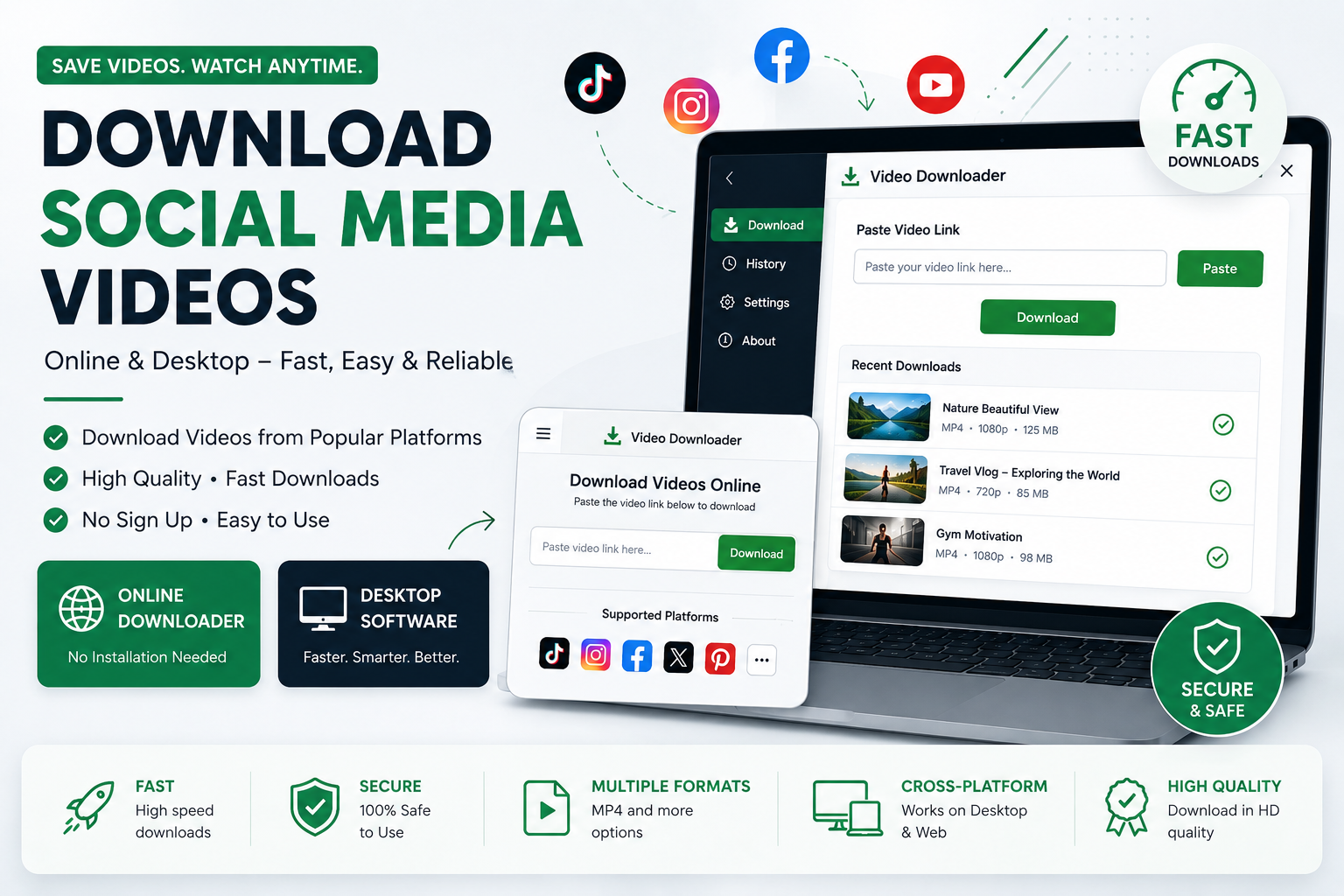
Best Way to Download Social Media Videos on Desktop and Web
Social media platforms are full of videos worth watching, sharing, and keeping for personal reference. Whether it is an educational video, a tutorial, a memorable clip, or content you have permission to save, downloading a video can be useful when you want to watch it later without relying on an internet connection.
A social media video downloader provides a simple way to save supported videos. With both an online downloader and desktop software available, you can choose the option that best matches your needs.
What Is the Best Way to Download a Social Media Video?
For most users, the easiest method is to copy the video's URL and paste it into a compatible online video downloader.
The basic process is:
Find the video you want to download.
Copy its URL or share link.
Open the video downloader.
Paste the URL into the input field.
Start the download.
Select an available quality or format if options are provided.
Save the video to your computer.
This method does not require complicated technical knowledge and can be used directly from a web browser.
Why Use an Online Social Media Video Downloader?
An online downloader is ideal when you want a quick solution without installing additional software.
Main advantages include:
No desktop installation required
Works directly from a web browser
Simple copy-and-paste process
Convenient for occasional downloads
Accessible from different desktop browsers
Easy for beginners to use
If you only need to save a few videos from time to time, an online downloader can be the most convenient choice.
Why Use Desktop Video Downloader Software?
For people who download videos regularly, dedicated desktop software can provide a more convenient workflow.
Desktop software can be especially useful when you want a dedicated application instead of opening a browser every time you need to download a video.
Depending on the software and supported platforms, desktop applications may also provide features such as download history, easier file management, and a dedicated download interface.
Online vs. Desktop Video Downloader
Choosing between an online tool and desktop software depends on how you use the downloader.
| Feature | Online Downloader | Desktop Software |
|---|---|---|
| Installation | Not required | Required |
| Browser-based | Yes | No |
| Occasional downloads | Excellent | Good |
| Frequent downloads | Good | Excellent |
| Dedicated interface | No | Yes |
| Easy to start | Yes | Yes |
| Download management | Basic | More convenient |
For quick downloads, use the online downloader. For frequent downloading, consider the desktop application.
How to Download Videos Faster
A few simple practices can make the downloading process smoother.
Use a Stable Internet Connection
A reliable internet connection helps prevent interrupted or failed downloads.
Copy the Correct Video URL
Make sure you copy the actual video or post URL supported by the downloader. Incorrect or incomplete links may not work.
Select an Appropriate Quality
Higher-resolution videos generally require more storage space and may take longer to download. If you only need a video for casual offline viewing, a lower resolution may be sufficient.
Keep Enough Storage Space
Before downloading large videos, make sure your computer has enough available storage.
Can I Download Videos Without Installing an App?
Yes. If the video and platform are supported, you can use the online version directly through your browser without installing desktop software.
This makes browser-based downloading useful when you need a quick solution.
Can I Download Social Media Videos on Windows?
Yes. You can use a compatible online video downloader through a Windows browser, or use dedicated desktop software when available.
Desktop software can be particularly useful for users who frequently download and organize videos on their computers.
Does the Downloader Work on Desktop and Web?
Yes. A downloader can provide both a web-based experience and dedicated desktop software, giving users flexibility.
The web version is convenient for quick access, while desktop software is designed for users who prefer a dedicated application.
What Video Formats Are Available?
The available formats depend on the source platform and the downloader's current capabilities.
MP4 is one of the most commonly used video formats because it offers broad compatibility with computers, phones, tablets, and many media players.
Available resolution and format options may vary depending on the original video.
Why Download Videos for Offline Viewing?
There are several legitimate reasons to save supported videos for personal use.
For example, you may want to:
Watch educational content while offline
Keep a personal backup of content you are allowed to download
Review tutorials later
Save videos for personal reference
Avoid repeatedly loading the same online video
Organize permitted video content on your computer
Always make sure you have the right to download and use the content.
Is a Social Media Video Downloader Safe to Use?
The safety of any downloader depends on the service, software, and how it is used. Choose a reputable downloader, keep your operating system and browser updated, and avoid suspicious files or websites.
A legitimate downloader should clearly explain its terms and provide a straightforward downloading process.
Can I Download Private Social Media Videos?
Private, restricted, or protected content may not be available for downloading. A downloader should not be used to bypass privacy controls, access restrictions, or security measures.
Only download content that you are authorized to access and save.
Frequently Asked Questions
What is a social media video downloader?
A social media video downloader is an online tool or desktop application that can save supported videos from social media platforms to a user's device.
How do I download a social media video?
Copy the supported video's URL, paste it into the downloader, and start the download. If quality or format options are available, choose the option you want before saving the file.
Do I need software to download social media videos?
No. You can use an online downloader directly in your browser when the video and platform are supported. Desktop software is an alternative for frequent users.
Which is better: an online or desktop downloader?
An online downloader is generally better for quick and occasional downloads. Desktop software can be more convenient for users who download videos frequently.
Can I download videos in HD?
If the original video and platform provide a supported high-resolution version, the downloader may offer HD or other quality options.
Can I download social media videos on my computer?
Yes. You can use a browser-based downloader or compatible desktop software to download supported videos to your computer.
Why is my video URL not working?
The URL may be unsupported, invalid, private, expired, or associated with content that the downloader cannot currently process. Try copying the link again and make sure the content is publicly accessible and supported.
Can I download every social media video?
No. Download availability can depend on the platform, video type, privacy settings, technical restrictions, and current downloader support.
Final Thoughts
The best social media video downloader is one that fits your workflow. If you need a quick and simple solution, an online video downloader lets you download supported videos directly from your browser.
If you regularly download videos on your computer, desktop downloader software can provide a dedicated and convenient experience.
Whichever option you choose, always respect copyright, creator rights, privacy, and the terms of the platform. Download and use videos only when you have permission or when the intended use is otherwise permitted.